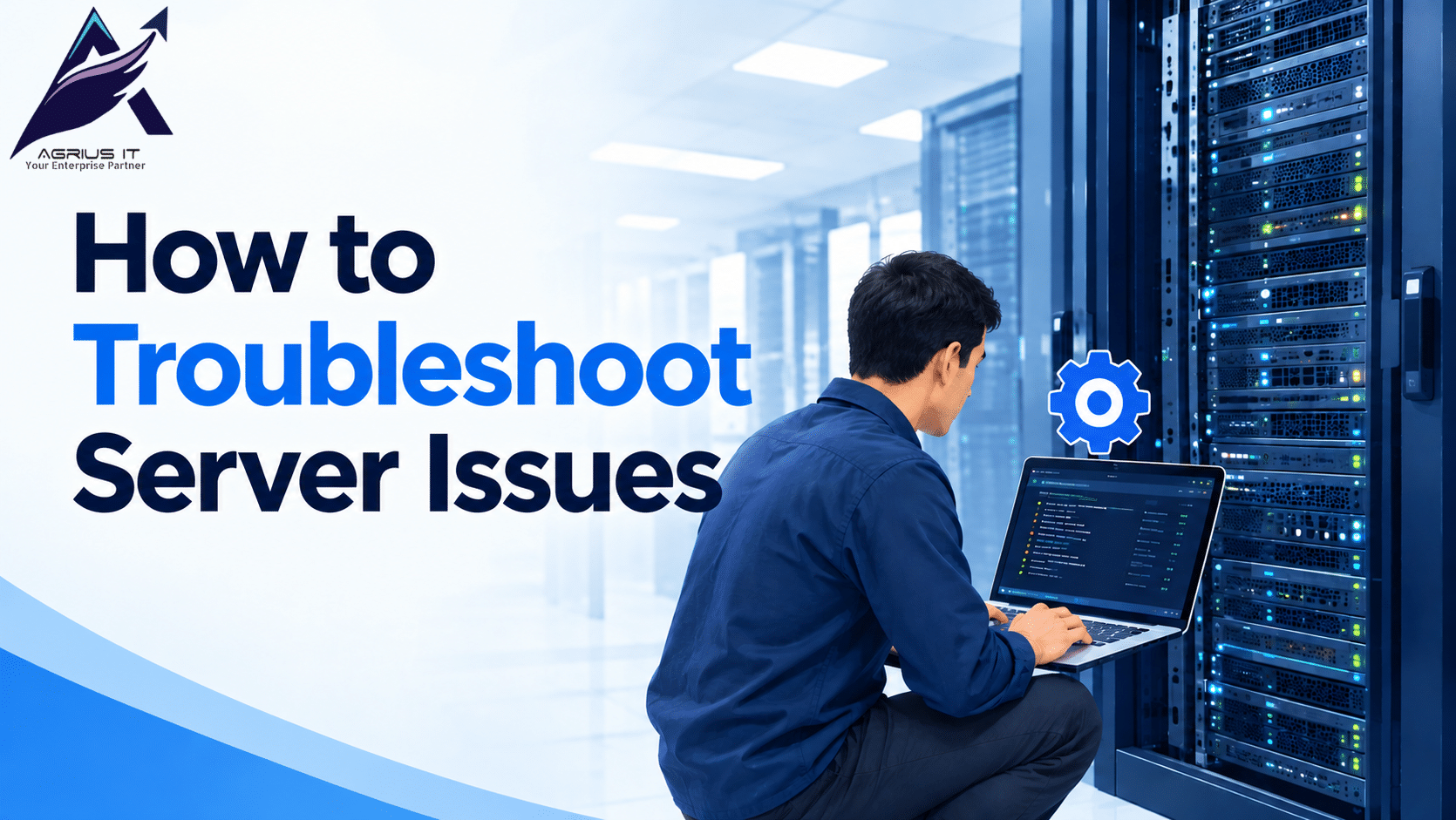
A server issue can affect daily business operations, slow down systems, interrupt access to files, and stop important services. Businesses depend on servers to store data, run systems, manage databases, and connect employees with the systems they need. When a server stops working properly, finding the cause and taking the right steps can help reduce downtime.
Agrius IT as a TPM provider provides server maintenance and IT support services to help businesses manage their IT infrastructure and address hardware and technical problems. Understanding how to troubleshoot a server issue can help IT teams identify common faults and decide when professional support is needed.
What Are the Common Causes of a Server Issue?
A server issue can occur for several reasons. Identifying the possible cause is the first step toward fixing the problem.
Common causes include:
- Hardware failure: A faulty hard drive, power supply, memory module, or cooling fan can affect server performance.
- Network problems: Damaged cables, incorrect network settings, or switch failures can interrupt server connections.
- High resource usage: Heavy CPU, or storage usage can make a server slow.
- Overheating: Poor airflow, dust, or a failed cooling fan can cause a server to overheat.
- Storage problems: Full disks or failing storage devices can prevent system from running correctly.
How to Troubleshoot a Server Issue Step by Step
1. Check the Server Power and Hardware
Start by checking whether the server is powered on. Look at the power indicators and check for warning lights, unusual sounds, or signs of overheating. If the server does not start, inspect the power connection and power supply status.
For physical servers, check the cooling fans and airflow. Do not open equipment or replace components unless you are qualified to do so. If the server shows hardware errors, contact an IT technician for further inspection.
2. Check Network Connectivity
Sometimes, a server is running, but users cannot access it because of a network problem. Check the network cables, switch connections, and network configuration.
You can also test connectivity using the ping command, where permitted. If the server responds but a system remains unavailable, check the relevant system service port.These checks can help separate network faults from server problems.
3. Review Server Performance
A slow server may be experiencing high CPU usage, low available memory, or limited storage space. Open the appropriate system monitoring tools to review resource usage.
4. Check Storage and Backup Status
Storage problems can affect server performance and prevent users from saving or accessing files. Check whether recent backups completed successfully. Confirm that a usable backup exists before making major system changes.
When Should You Contact a Server Maintenance Provider?
Some server problems require professional technical support, particularly when hardware components fail, storage systems report errors, or the server repeatedly shuts down.
A TPM provider can help businesses check hardware faults, arrange replacement parts, and maintain eligible servers beyond the original equipment manufacturer’s support period. This can be useful when OEM support has ended or renewal costs are high.
Agrius IT offers third-party maintenance for servers, storage systems, network equipment, and tape libraries. Its support services help businesses maintain existing IT equipment, manage hardware faults, and reduce maintenance costs according to their service requirements.
How Can You Prevent Future Server Issues?
Regular maintenance can help reduce unexpected server problems. Businesses should monitor server performance, review systems, check storage issues, test backups, and inspect cooling systems. Keeping accurate hardware records and planning maintenance before equipment reaches end-of-life or end-of-service-life can also help reduce service interruptions.
Contact agriusit.com for Server Support
A server issue can affect productivity when important systems become unavailable. By checking hardware, network connections, performance, logs, and storage, IT teams can identify many common problems. When a fault requires specialist attention, professional server maintenance can help restore normal operations and support the long-term use of IT equipment.
Contact Agrius IT to discuss server maintenance and IT infrastructure support for your business.
Agrius IT – Reliable IT Support, Every Step