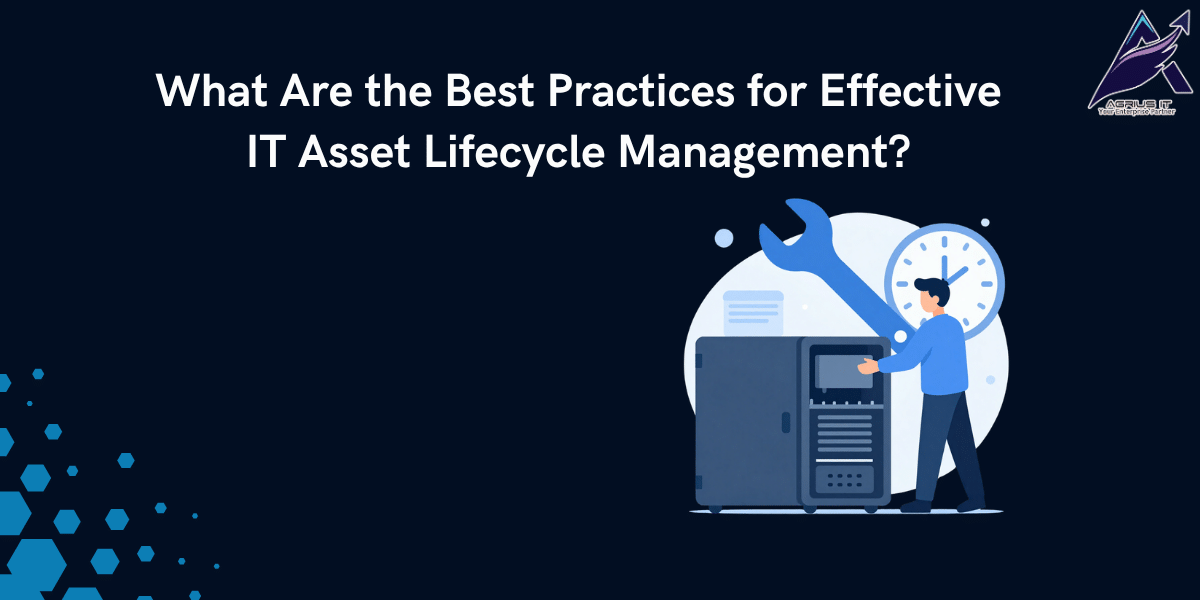
A business may have hundreds of servers, storage systems, switches, routers and other IT devices. Over time, some equipment gets upgraded, some requires maintenance, and some reaches the end of its useful life. Without proper planning, it can become difficult to know which assets need concentration and when they should be replaced.
IT Asset Lifecycle Management helps businesses manage their IT equipment from purchase and installation to maintenance, upgrade, replacement, and disposal. A clear asset management process can help businesses keep better records, plan expenses, and make informed decisions about their IT infrastructure.
What Does IT Asset Lifecycle Management Include?
IT Asset Lifecycle Management covers the complete period an IT asset remains in use. It starts when a business identifies a requirement and purchases equipment. The asset is then installed, maintained, monitored, upgraded when needed, and eventually replaced or retired.
For example, a server may remain in operation for several years. During this period, it may require hardware maintenance, replacement parts, additional storage, or technical support. Keeping track of these changes gives businesses a better understanding of the asset and its current condition.
1. Keep a Clear Record of Every IT Asset
One of the first steps is to maintain accurate information about every asset. Businesses should record details such as:
- Equipment type and model
- Serial number
- Purchase date
- Location
- Warranty details
- Maintenance history
- Current condition
- Support status
These records make it easier for IT teams to identify equipment and understand what support each asset requires.
2. Check Equipment Condition Regularly
Age alone does not determine whether an IT asset should be replaced. A five-year-old server may still meet business requirements, while a newer device may have recurring hardware problems.
Regular checks can help businesses identify equipment that is working properly, requires maintenance, or may need replacement. This allows decisions to be based on the actual condition and business requirements of the equipment.
3. Plan Maintenance Before Problems Occur
IT equipment needs regular maintenance to continue working properly. Servers, storage systems, and network devices should be reviewed according to their condition and service requirements.
Planned maintenance can help identify issues with hardware components and give businesses time to arrange repairs or replacement parts instead of waiting for an unexpected failure.
4. Keep Warranty and Support Information Updated
Warranty and support dates are important parts of IT asset records. Businesses should know when manufacturer warranties and support agreements are due to expire.
When a support period is ending, the business can review its options. It may renew manufacturing support, choose third party maintenance, upgrade the equipment, or plan for replacement.
5. Have a Plan for Aging IT Equipment
Older equipment does not always need immediate replacement. If a server, storage system, or network device continues to meet business requirements, maintaining it may be a practical option.
Businesses should review performance, hardware condition, availability of parts, maintenance costs, and business importance before deciding what to do with aging equipment.
6. Review EOL and EOSL Hardware
IT equipment eventually reaches End of Life (EOL) or End of Service Life (EOSL). At this stage, the original manufacturer may stop providing standard support for the equipment.
This does not always mean the equipment must be removed immediately. Businesses can review third-party maintenance options for eligible hardware and decide whether continued use makes sense for their operations.
7. Plan the End of an Asset’s Life
The final stage of IT Asset Lifecycle Management is retirement. When equipment is no longer required, businesses should have a clear process for removing it from their infrastructure.
Storage devices require special attention because they may contain business information. Depending on the requirement, data disposal can include data erasure, shredding, crushing, or degaussing. A certificate of data destruction can also be provided when required.
How Agrius IT Supports IT Asset Lifecycle Management
Agrius IT helps businesses manage and maintain their IT infrastructure through hardware maintenance, third-party maintenance, data center services, and technical support.
Agrius IT can support businesses with aging and EOL/EOSL equipment through third-party maintenance services. Its data disposal services can also help businesses properly handle IT equipment that has reached the end of its useful life.
Effective IT Asset Lifecycle Management is not only about keeping a list of IT equipment. It involves understanding where assets are, how they are performing, when they need maintenance, and when replacement or retirement should be considered.
By keeping accurate records, reviewing equipment regularly, planning maintenance, and evaluating aging and EOL/EOSL hardware, businesses can make better decisions about their IT infrastructure.
Agrius IT provides hardware maintenance, third-party maintenance, data center services, and data disposal services to help businesses manage their IT equipment throughout its lifecycle.